Watches and connections
All your watches.
One coach.
Your session goes to your watch, your activity comes back to RUNESIS. Whatever the brand, it all ends up in one place.
Amazfit✦Suunto✦COROS✦Polar✦Apple Health✦Garmin coming soon
How it works
Three flows.
Zero double entry.
01
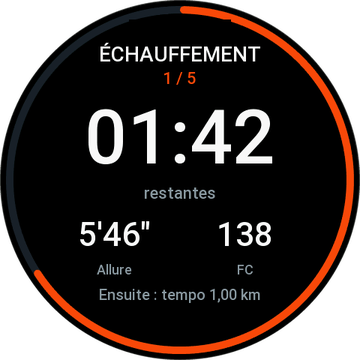
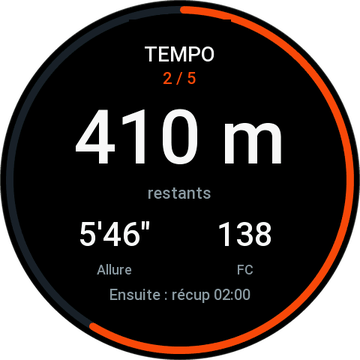
Your session goes to your watchRUNESIS builds your session, your watch guides you step by step: on Amazfit with the RUNESIS app on your wrist, on Suunto with your next 7 days sent over.
02
Your activity comes backConnect your account once in the app, under Devices. Your COROS, Polar, Suunto or Apple Health workouts come in on their own, and the same workout seen by two sources only counts once.
03
Your coach adaptsSleep, resting heart rate, training load: RUNESIS uses them to calculate how you feel today and adjust the rest of your week.
The connections
Connect them from the RUNESIS Training app, under Devices.
AvailableSuuntoActivities synced, next 7 days of sessions sent to the watch.
AvailableCOROSYour COROS activities imported automatically.
AvailablePolarYour Polar activities imported automatically.
AvailableApple HealthWorkouts, sleep, resting heart rate and steps, on iPhone.
Coming soonGarminGarmin Connect sync pending Garmin's approval.
With AndroidHealth ConnectPlanned for when the app arrives on Android.
Coming soonFitbitIn the works.
PlannedWHOOPRecovery and sleep, planned.
PlannedOuraRecovery and sleep, planned.
Apps on your wrist
RUNESIS on your watch.
Under Zepp review
RUNESIS Sport · Amazfit
- The current step, what's left, what's next
- Right inside your Run, Trail or Cycling activity
- The summary sent back to your account
Update under review
RUNESIS Training · Amazfit
- The RUNESIS app on Zepp OS watches
- Your daily session on your wrist
Under Garmin review
RUNESIS · Garmin
- The RUNESIS app for Garmin watches (Connect IQ)
- Your guided session on your wrist
 Illustrative image
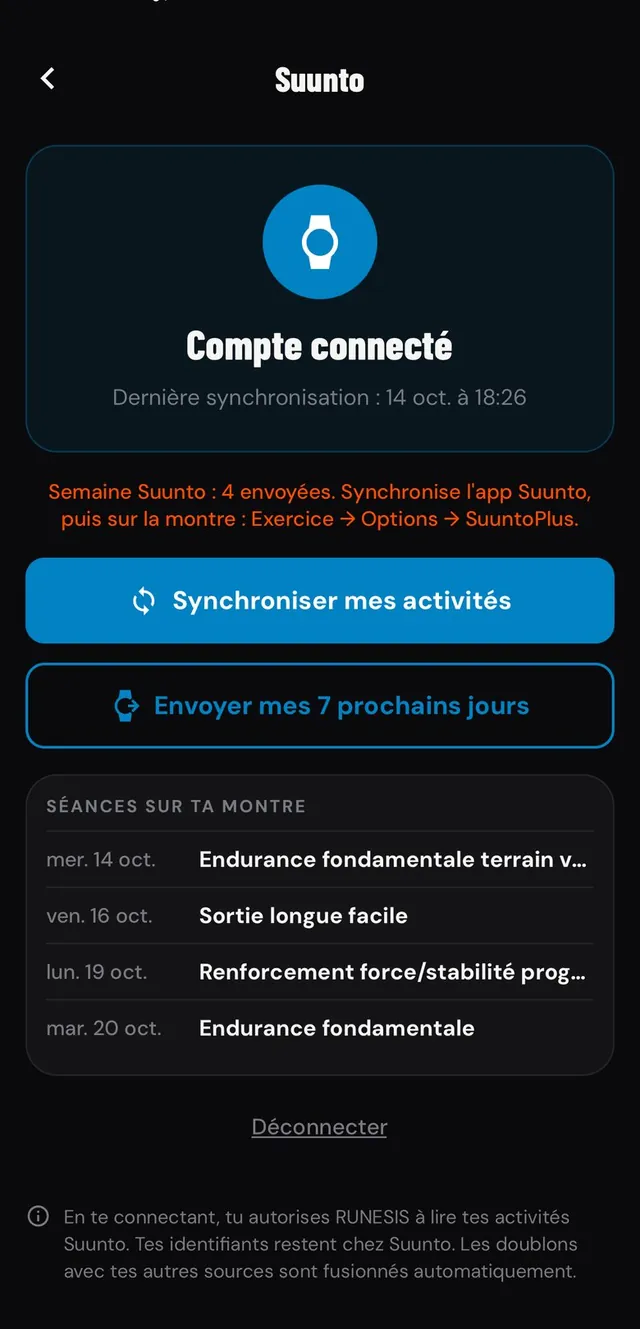
Example: Suunto
Your week, sent to your Suunto.
Connect your Suunto account in RUNESIS Training: your activities sync and your next 7 days of training go straight to your watch.
Activity sync7 days of sessions sent
Install RUNESIS Sport
- 1Install RUNESIS Sport from the Zepp App Store, in the Zepp app.
- 2Add the RUNESIS page to your Run, Trail or Cycling activity.
- 3In RUNESIS Training, generate your 6-digit Amazfit code.
- 4Enter it in Zepp, in the RUNESIS Sport settings. You're linked.
Amazfit compatibility
FalconT-Rex UltraCheetahCheetah ProT-Rex 3
Running, trail and cycling.
With your RUNESIS account
Every connection goes through the RUNESIS Training app.Privacy: RUNESIS Sport privacy policy.